




With the VenneTV PC Player you watch live TV, movies and series directly on Windows or macOS – no browser, no emulator. The server address is built in, you only sign in with your username and password.
Download Windows macOS Sign in
Download
You'll find the player in the client area under Downloads, matching your system.
To the download area client area
Windows
- Download Stream-TV-PC-Player-Win11.exe (Windows 11) or Stream-TV-PC-Player-Win10.exe (Windows 10).
- Run the file. If Windows shows a SmartScreen notice, click More info and Run anyway.
- Follow the installer and start the player from the Start menu or the desktop icon.
macOS
- Download Stream-TV-PC-Player-Mac.dmg and open the file.
- Drag the Stream TV icon into the Applications folder.
- If macOS shows a security notice on first start, confirm the app under System Settings › Privacy & Security with Open Anyway.
Sign in
On first start enter the username and password of your VenneTV access. Both are on the page of your access under Login data. You don't need a server address. It's built in and kept up to date by us.
After signing in you land on the live TV overview. Categories on the left, channels in the middle, the selected channel with TV guide on the right. At the top you switch between Live TV, Movies, Series and the search. Top Aktuell lists the newest highlights.
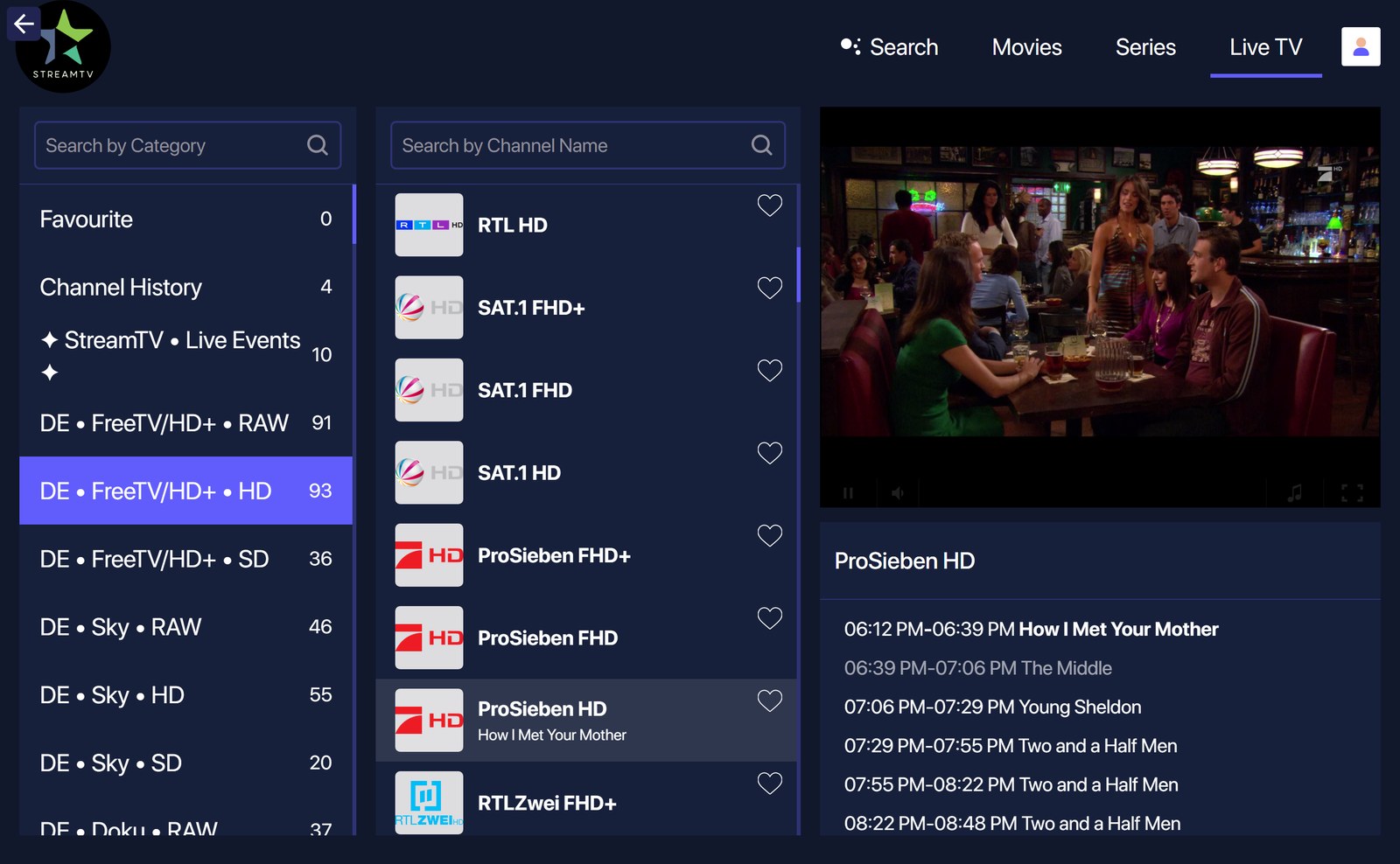
Live TV overview.
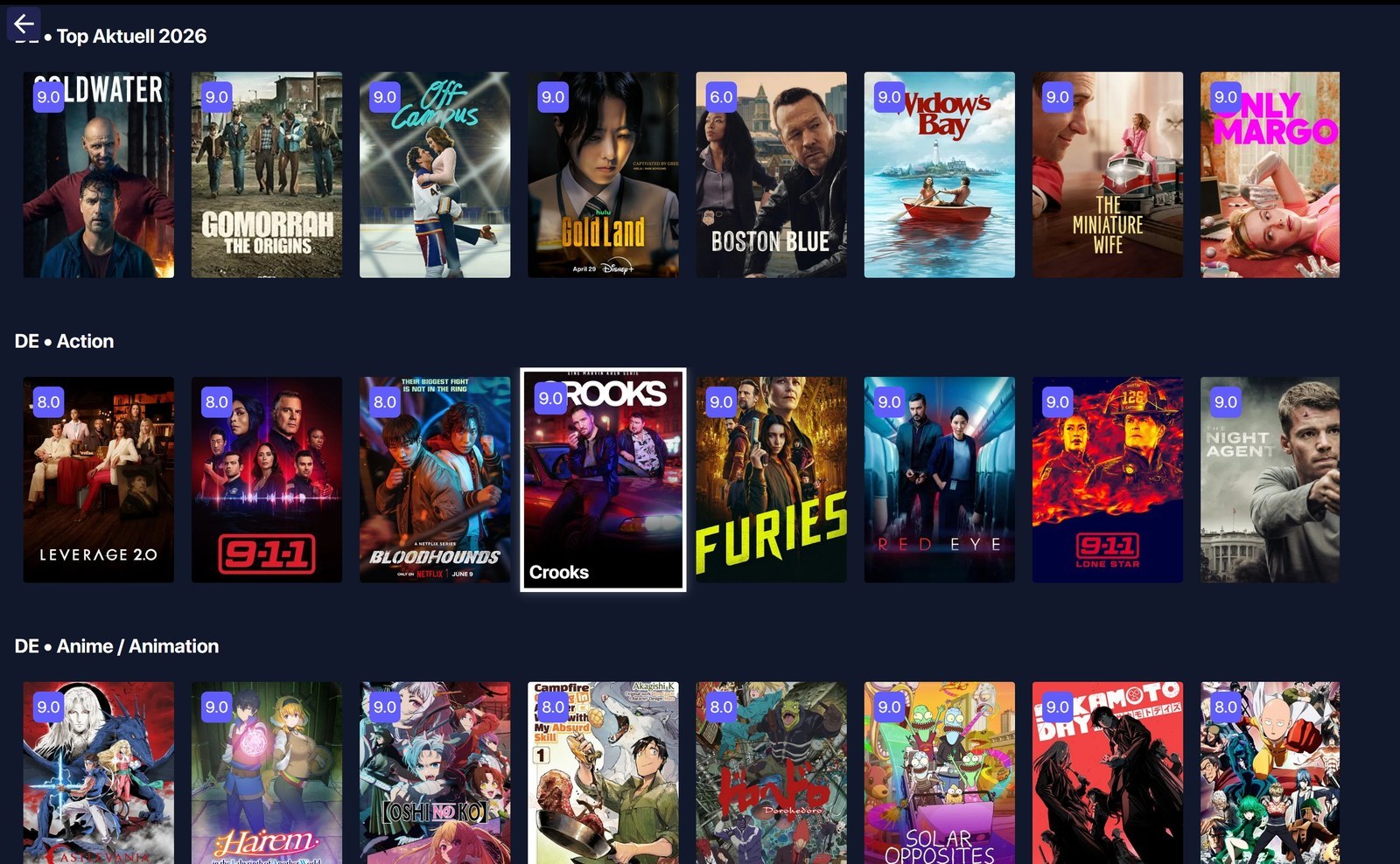
Top Aktuell.
