




Pay with Bitcoin from your own wallet
Already hold Bitcoin in your own wallet? Then this is the fastest way to pay for your IPTV access: secure, anonymous and without the extra fees of vouchers.
Your payment is detected automatically – once it confirms on the network (usually a few minutes), your access is unlocked without any further action. There is nothing you need to send us.
- Choose your access: add the IPTV access you want to your cart.
- Select „Bitcoin" as the payment method and place your order.
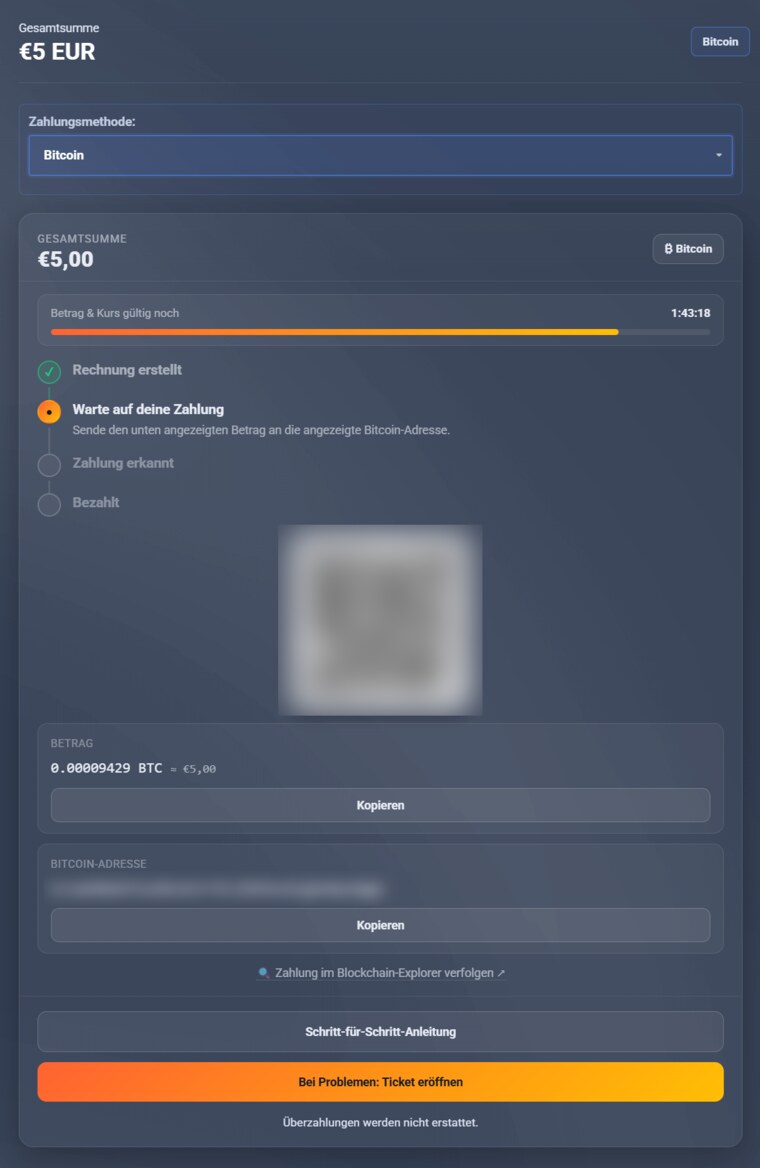
- Address + amount: your invoice page shows your personal Bitcoin address, a QR code and the exact amount (copy with one click). Each invoice gets its own address.
- Send: open your Bitcoin wallet, scan the QR code (or copy address + amount) and send exactly the amount shown.
- Done: once the payment confirms (usually a few minutes), your invoice is marked paid automatically and your access is activated. Find it in the client area under „My Accesses".
Important
- Send exactly the amount shown. Overpayments will not be credited or refunded.
- Some wallet providers (e.g. Bitpanda, Coinbase, Kraken) require additional details (name, wallet host, ownership confirmation). More info: Additional details for wallet payments.