




With the web player you watch directly in your browser. Its channel management lets you switch off country groups you don't need and switch them back on later.
Open the web player Manage channels
Open the web player
- In the client area open My Access and tap your access.
- Under Useful tap the tile Web player & channels.
- Log in with the username and password of your access. Both are on the same page under Login data – one tap on the tile copies the value.

My Access: tap your access.
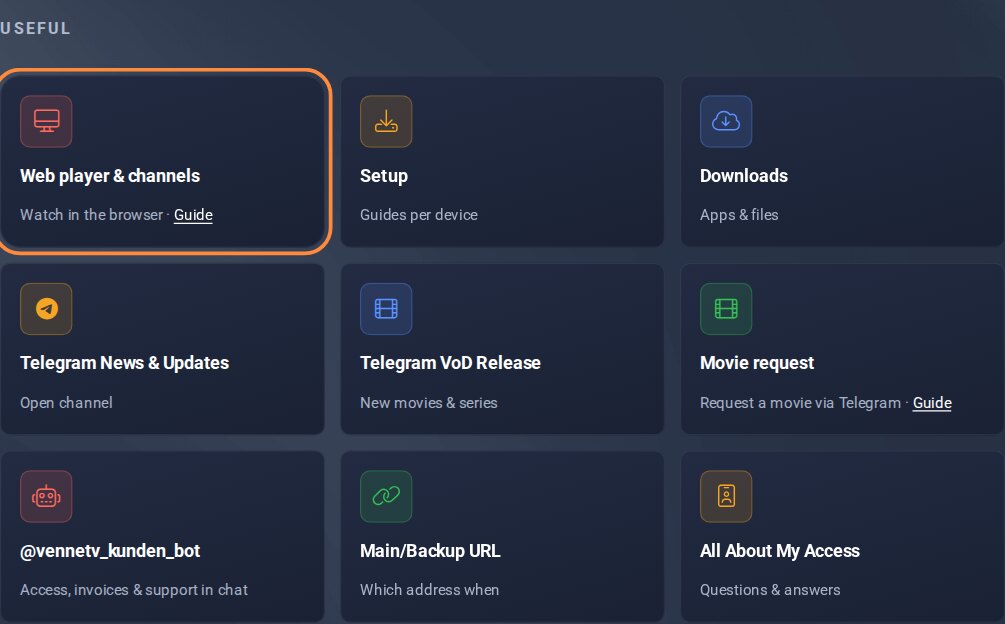
Under Useful: the tile Web player & channels.
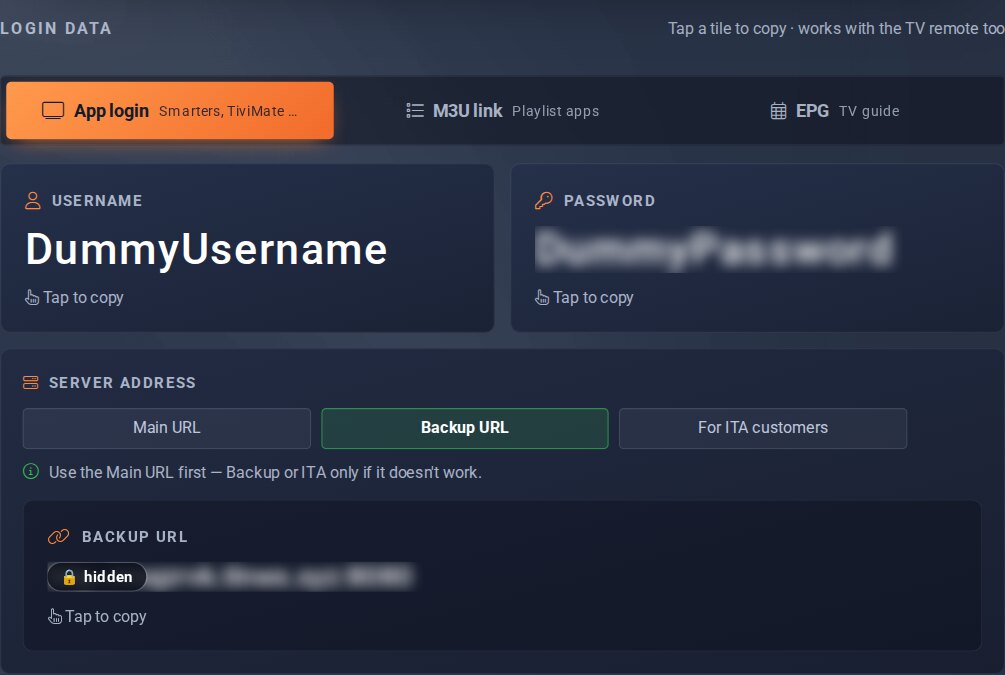
Login data: username and password to log in.
Manage channels
In the web player you stream channels, movies and series directly. Under Bouquets you switch whole channel groups on or off. This way you only see what interests you.
- In the web player menu tap Bouquets.
- Set the groups you don't need to OFF. Switch them back with ON.
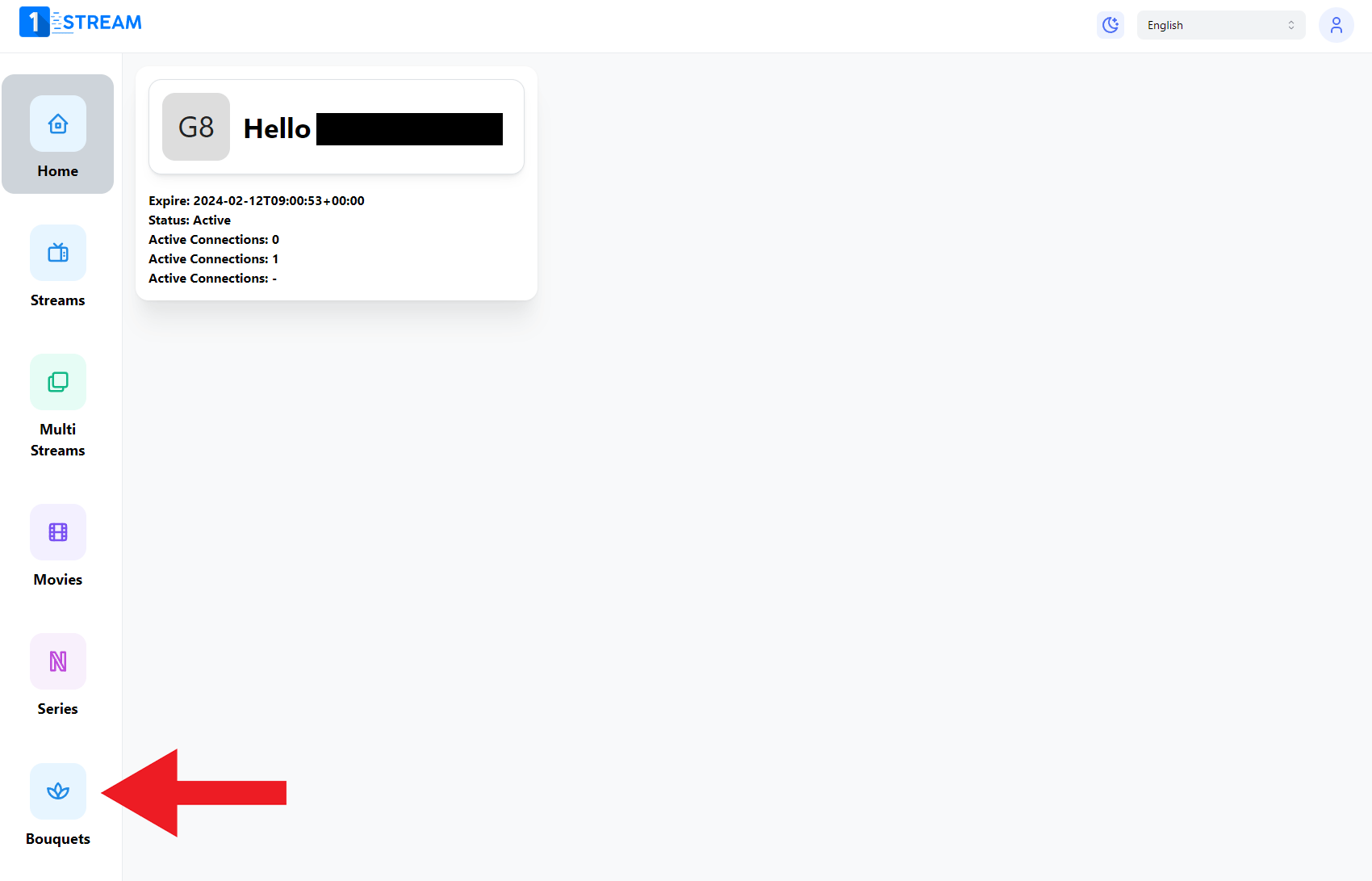
Menu item Bouquets in the web player.
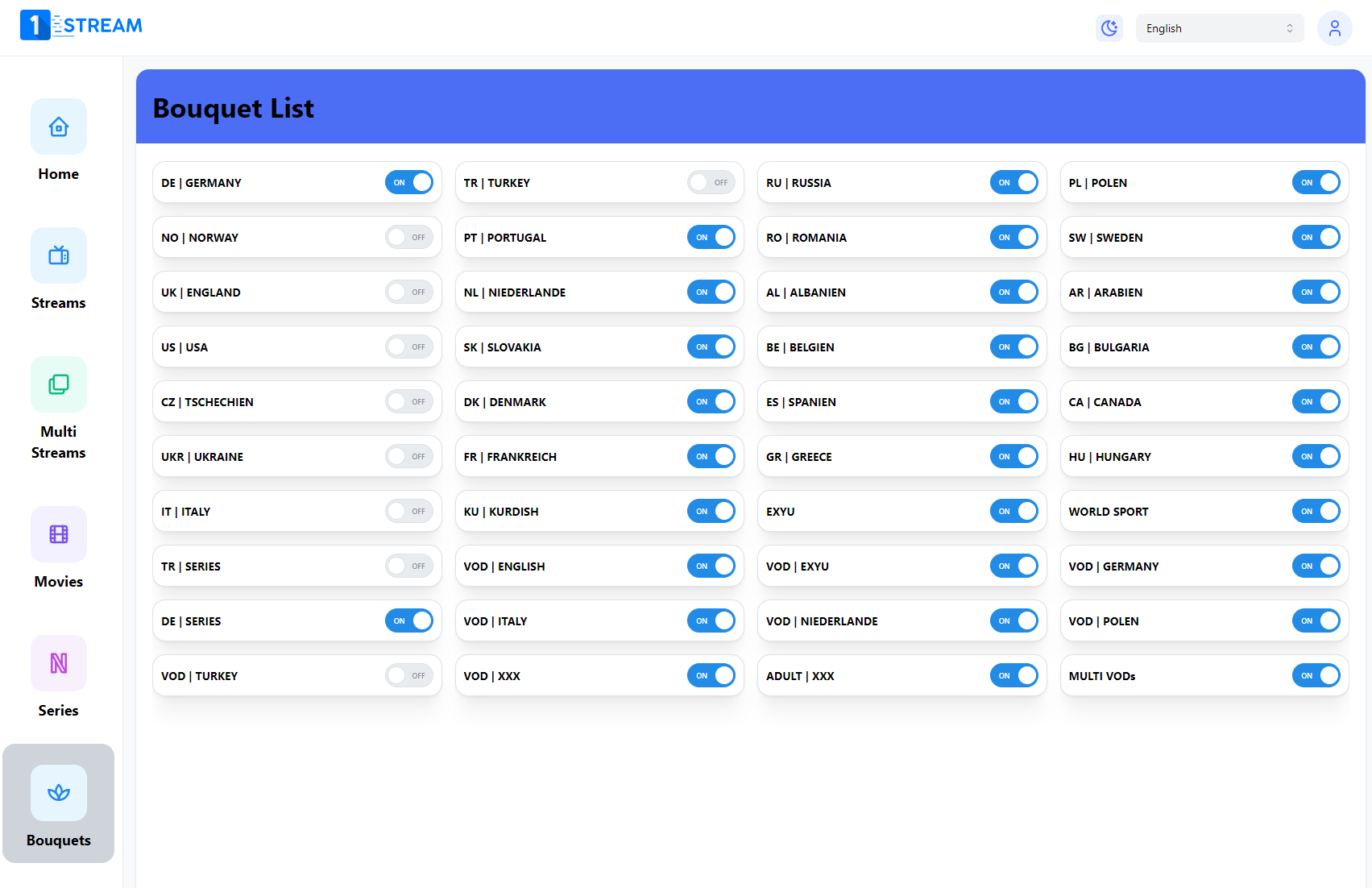
Switch channel groups on or off.
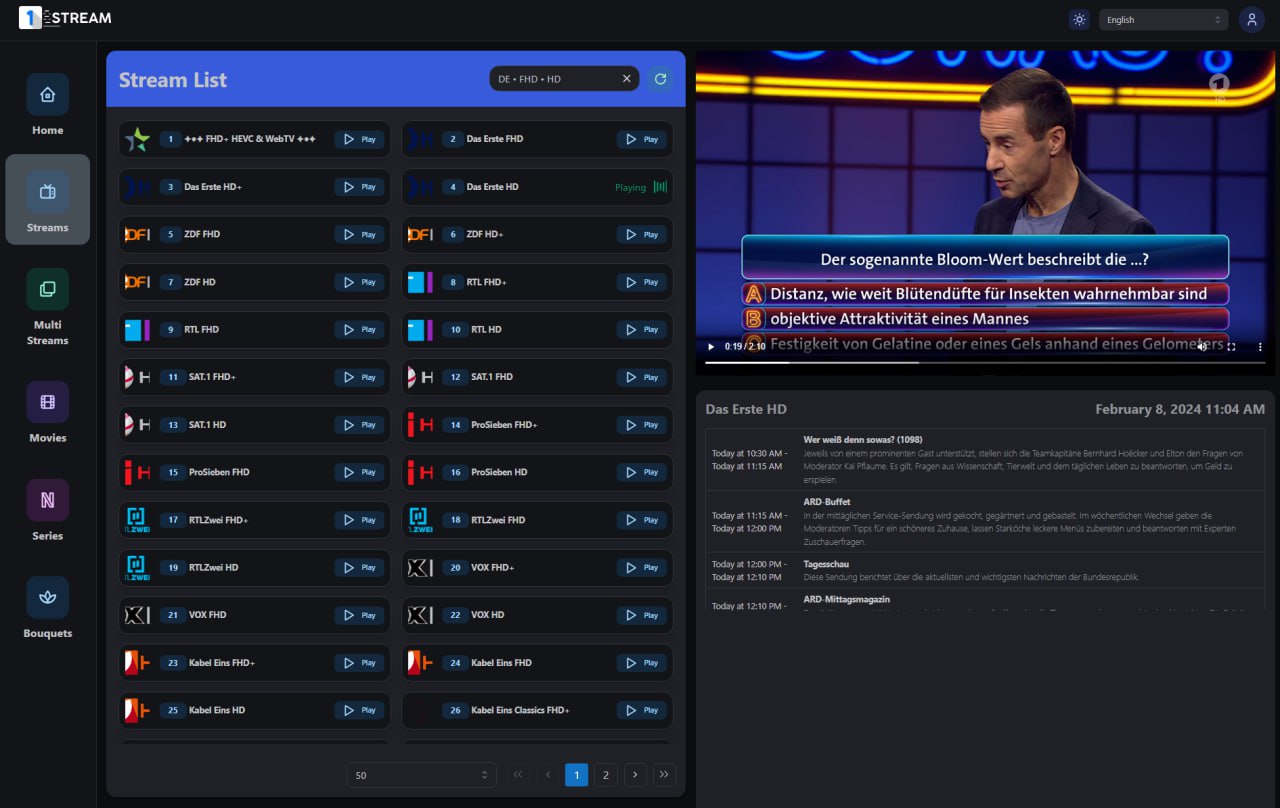
Watch channels directly in your browser.
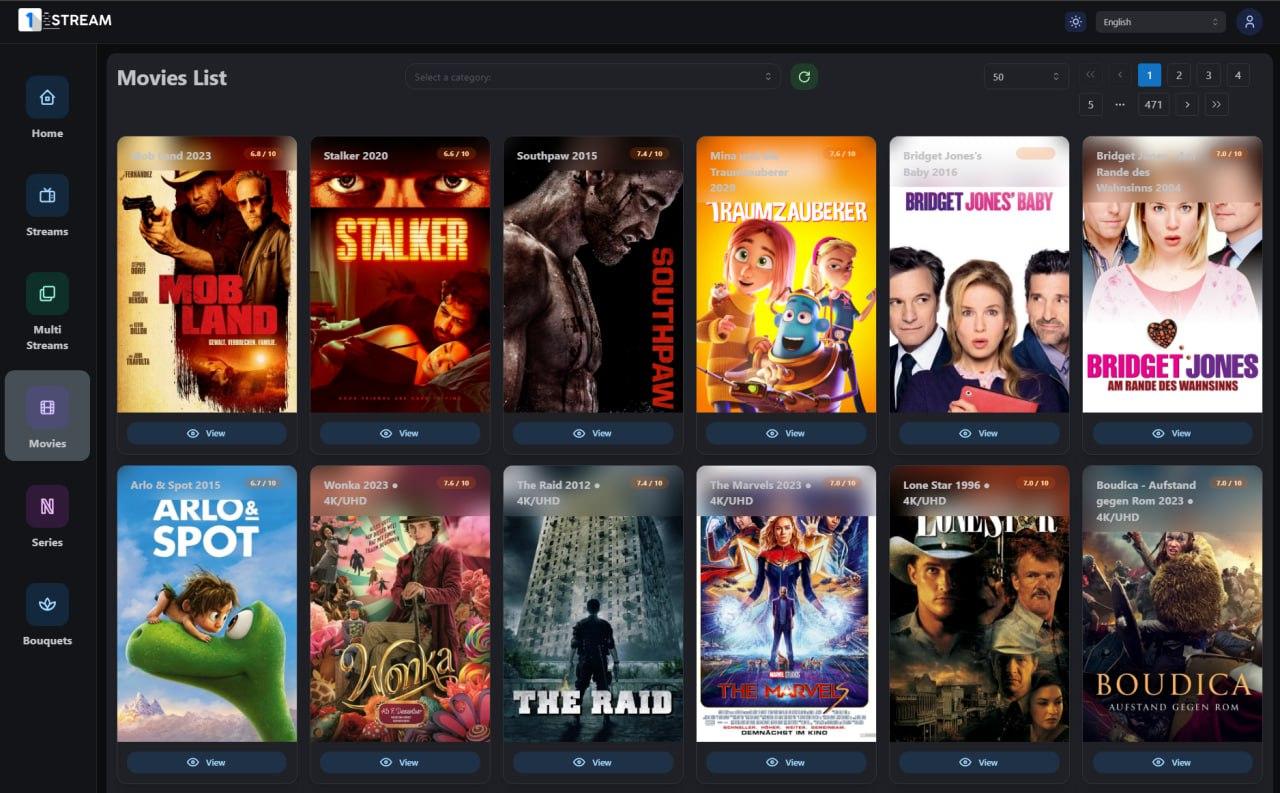
Movies and series are in the same menu.
