

Setup: apps and devices

With the web player you watch directly in your browser. Its channel management lets you switch off country groups you don't need and switch them back on later.

Open the web player Manage channels

Open the web player

  1. In the client area open My Access and tap your access.
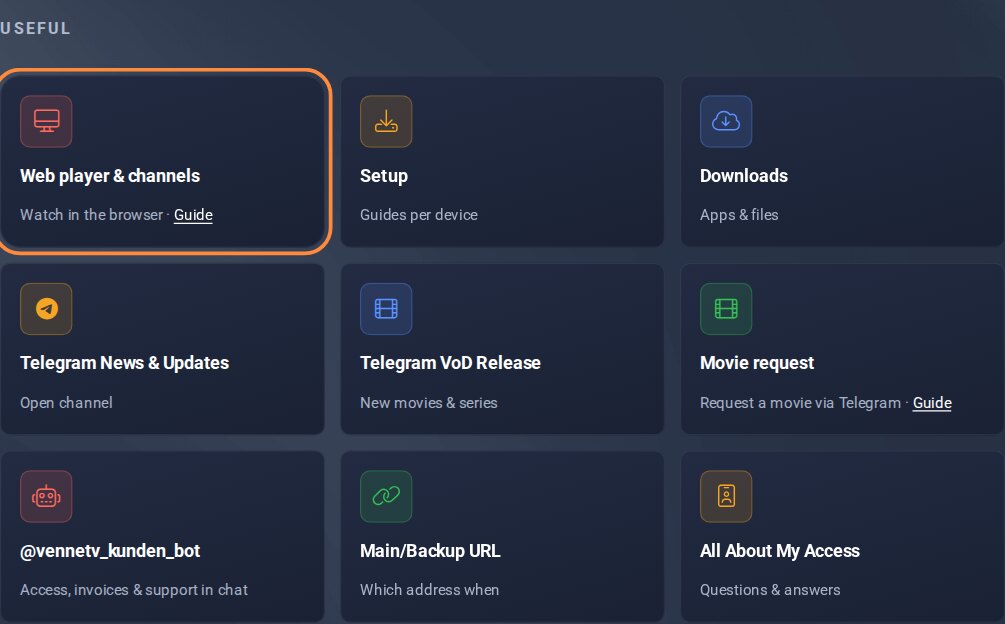
  2. Under Useful tap the tile Web player & channels.
  3. Log in with the username and password of your access. Both are on the same page under Login data – one tap on the tile copies the value.

My Access in the client area: tap the name to open the page of your access

My Access: tap your access.

Useful: web player tile on the page of your access

Under Useful: the tile Web player & channels.
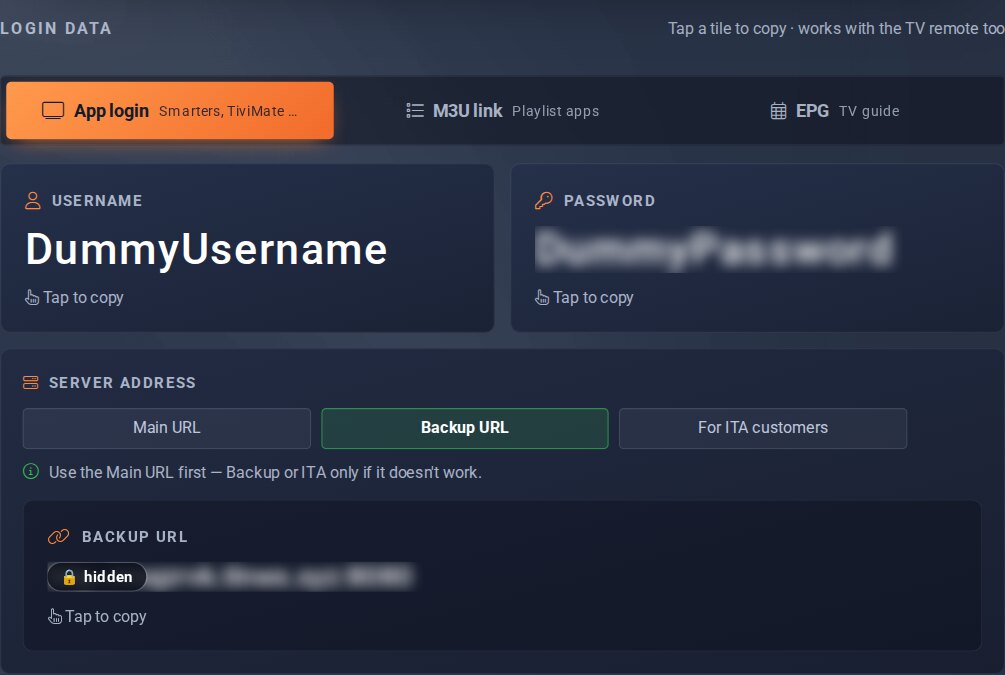
Login data: username and password for the web player

Login data: username and password to log in.

Manage channels

In the web player you stream channels, movies and series directly. Under Bouquets you switch whole channel groups on or off. This way you only see what interests you.

  1. In the web player menu tap Bouquets.
  2. Set the groups you don't need to OFF. Switch them back with ON.
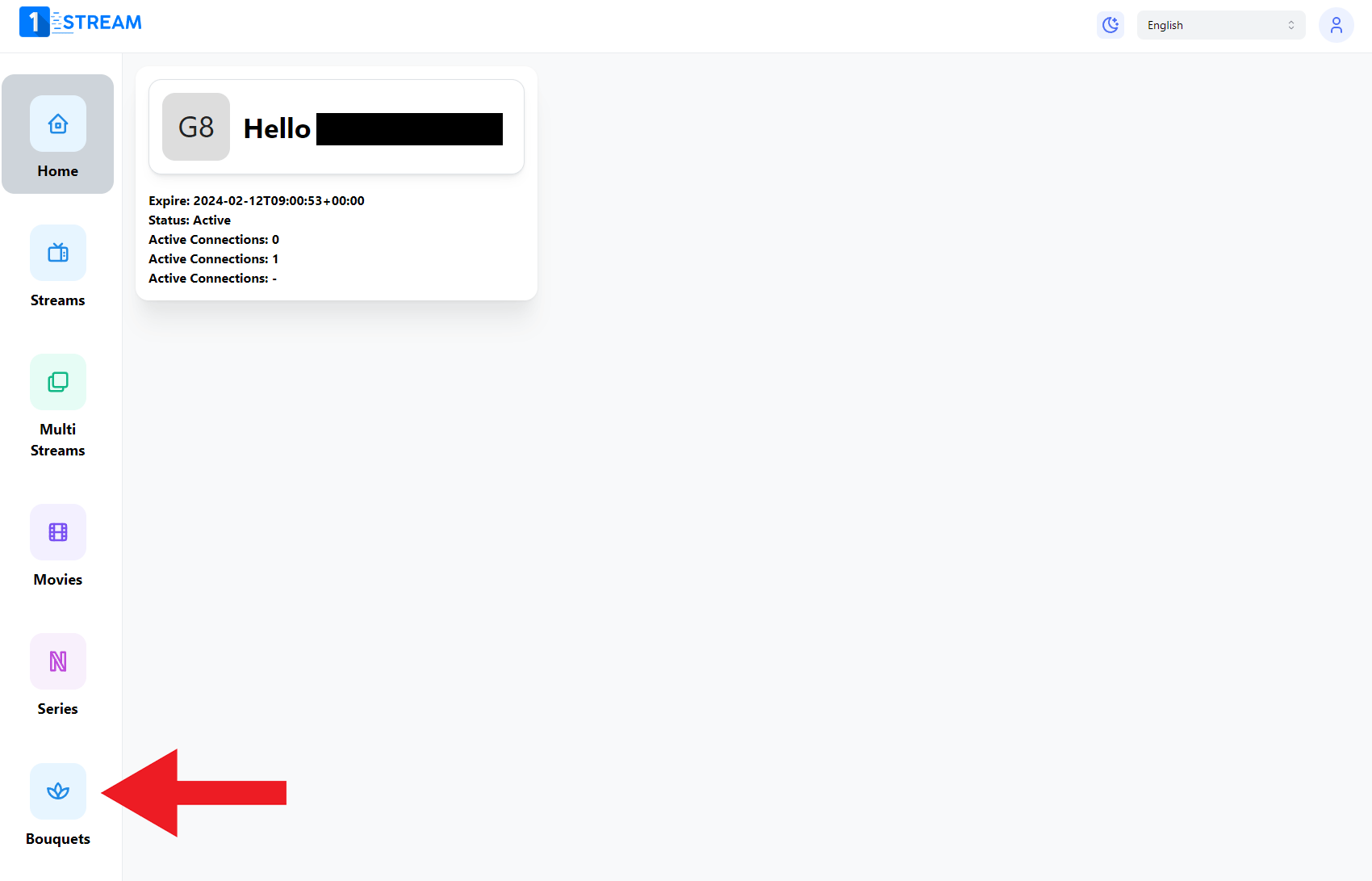
Web player home page with the menu item Bouquets

Menu item Bouquets in the web player.
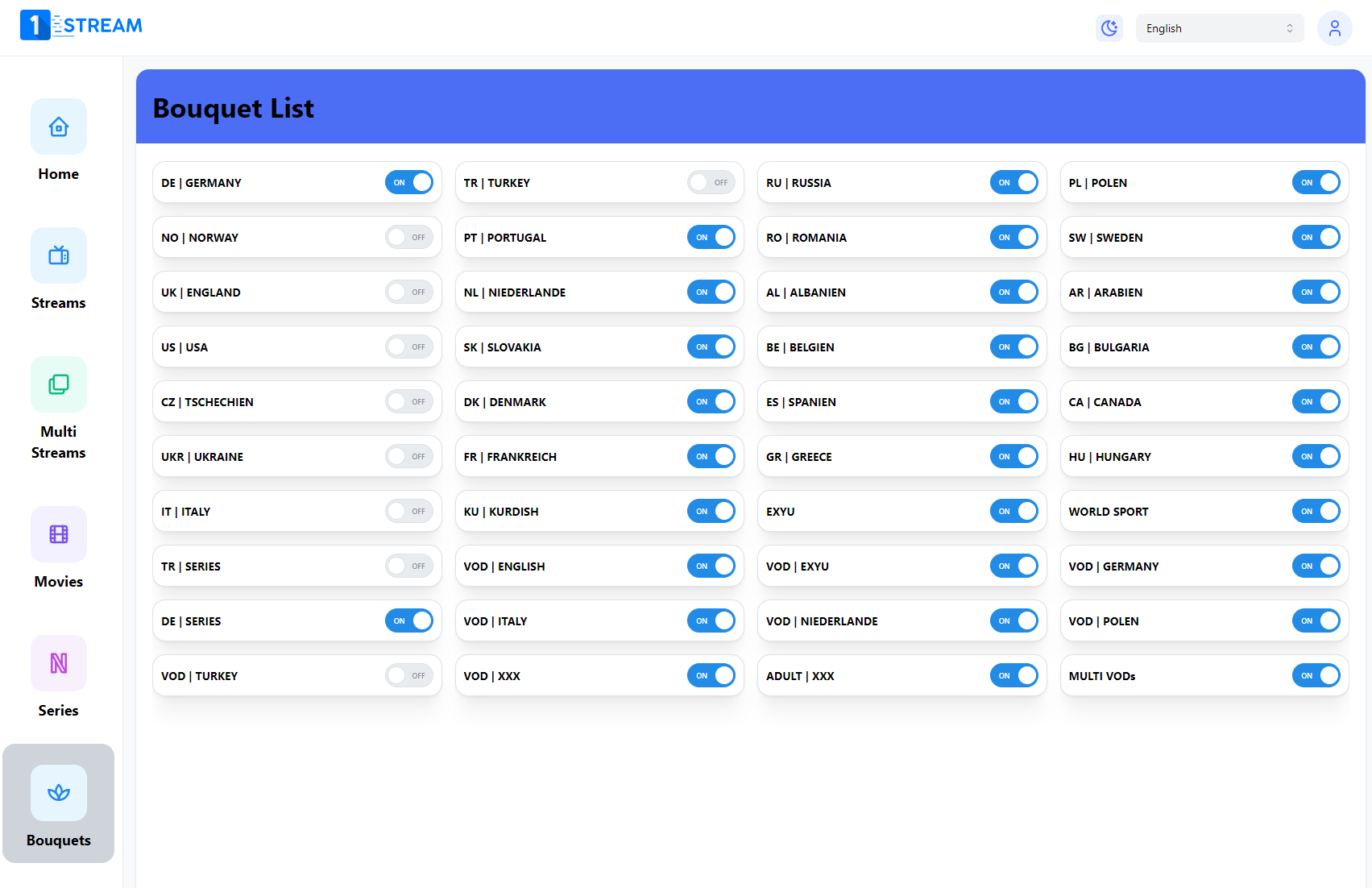
List of channel groups with ON and OFF switches

Switch channel groups on or off.

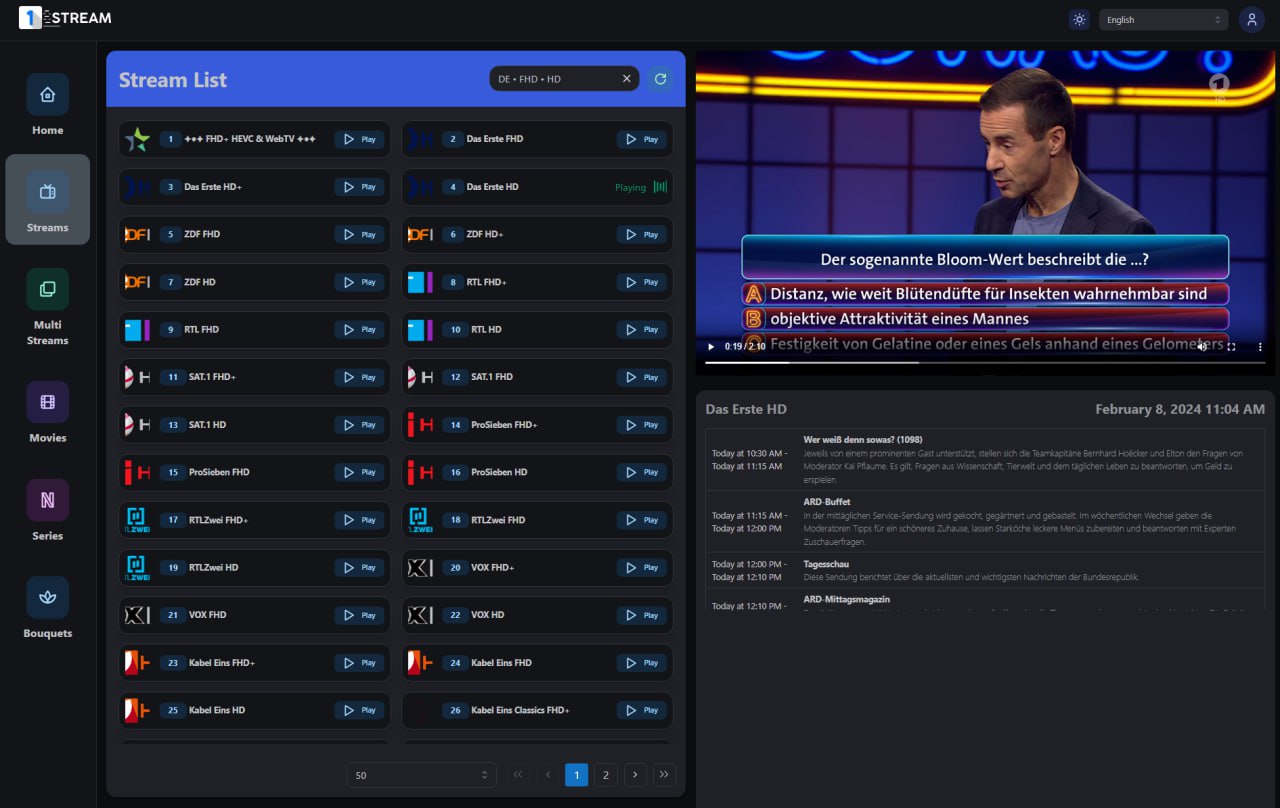
Channel list of the web player with a playing channel and the TV guide

Watch channels directly in your browser.
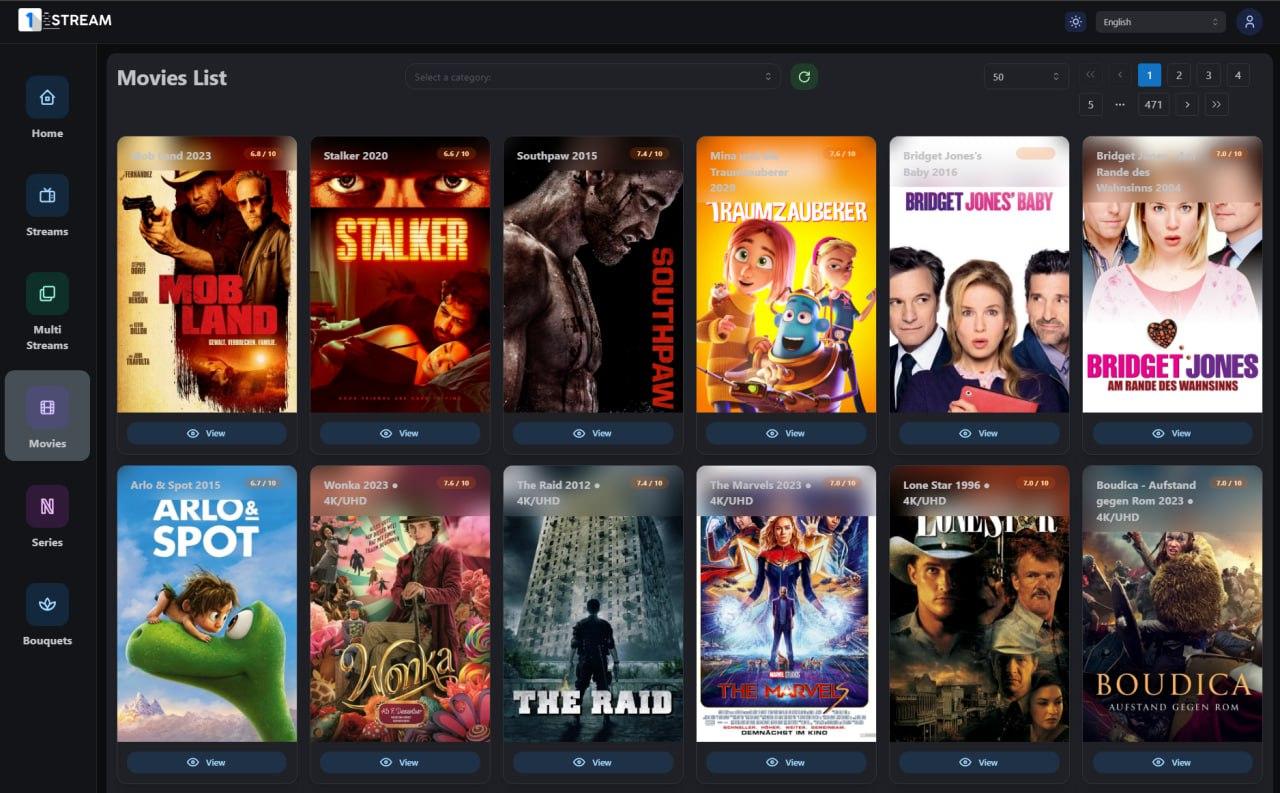
Movie overview in the web player

Movies and series are in the same menu.

My Access

Was this helpful?
All articles: Setup: apps and devices

More on this topic

Unlock TiviMate Premium

In our StreamTV TiviMate app, Premium is already unlocked – there is nothing to buy. Only the original TiviMate app needs Premium: you buy it from TiviMate …

Set up an Enigma2 receiver (OpenATV)

This is how our IPTV runs on an Enigma2 receiver (OpenATV, 4K, H.265). You import live TV with E-Channelizer and the TV guide with EPG-Importer. Movies and …

Set up TiviMate

The easiest way is our StreamTV TiviMate app: Premium is already unlocked, the server addresses are built in. This guide is for the original TiviMate app, …

Set up 9Xtream Player

The 9Xtream Player is available for Android phones, Android TV boxes, iPhone, iPad and Apple TV. You sign in with your username, password and server address.