




Your access has three server addresses: Main URL, Backup URL and For ITA customers. If the Main URL is down, switch to the Backup URL – with the same login data. All three are on the page of your access under Login data › Server address.
- Main URLThe normal address for everyone.
- Backup URLA second route via another provider. Use it when the Main URL isn't reachable – for example during an outage or an attack.
- For ITA customersFor customers in Italy or with an Italian internet provider: Server address for customers in Italy (in the client area).
Be prepared
Create a second playlist in your app with the same login data and the Backup address. If the Main URL goes down, you just switch playlists. In TiviMate: Settings › Playlists › Add playlist.
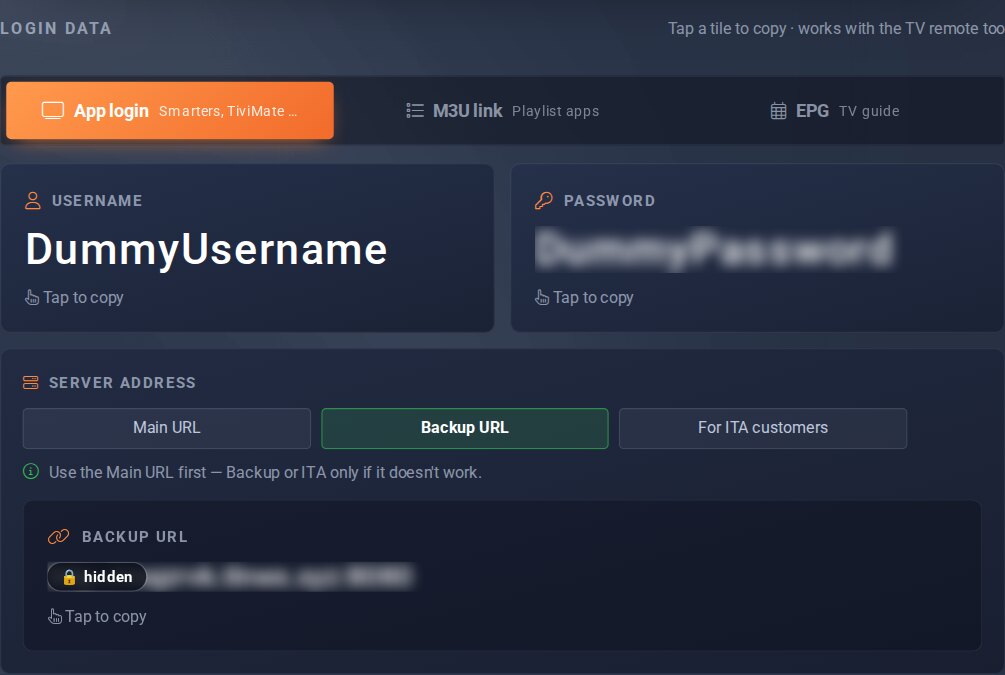
Server address, here Backup URL; tapping the tile below copies the address.
Good to know
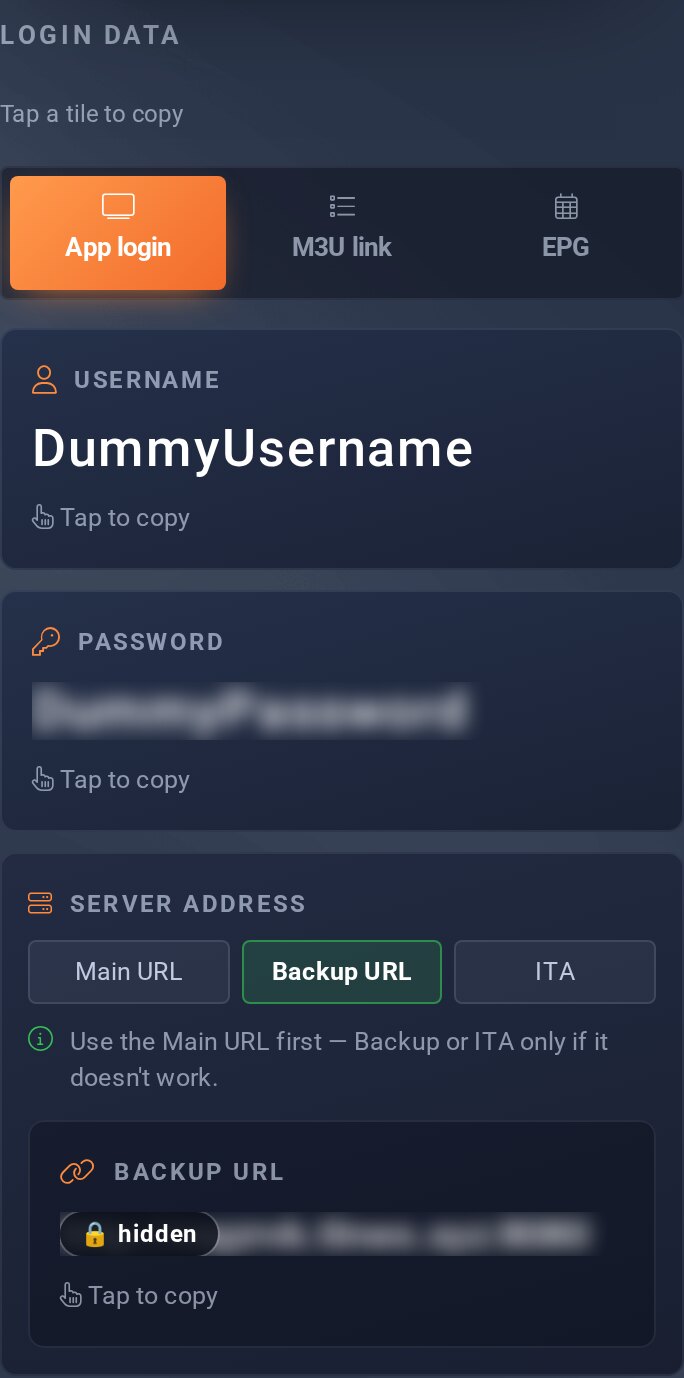
- The button selects the address, the tile below copies it – nothing to type.
- If it only stutters for you, a different route on the internet often helps: Routing problems.
