




On an LG TV you install IPTV Smarters Pro from the LG Content Store and sign in with your login data.
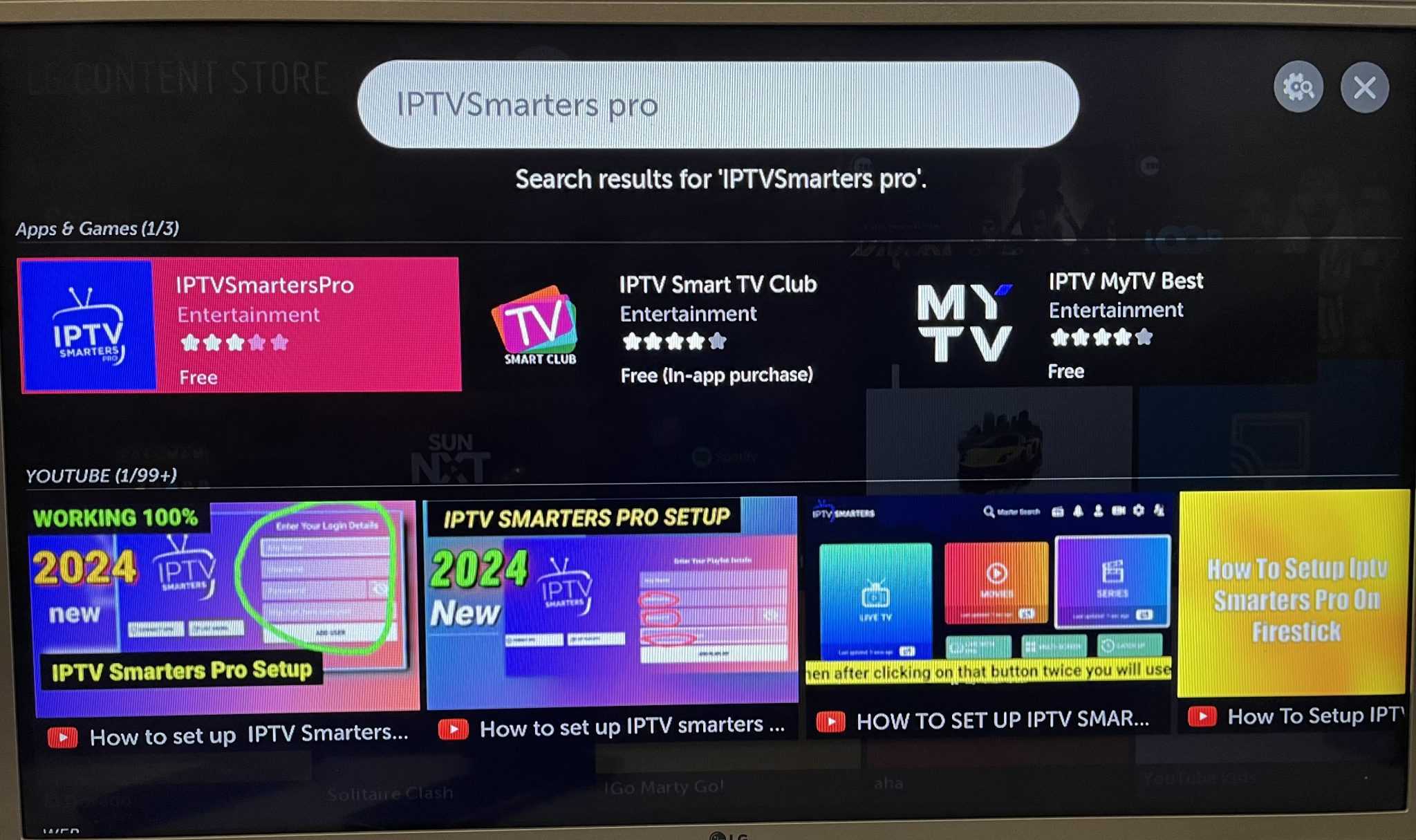
- Press Home on the remote and open the LG Content Store.
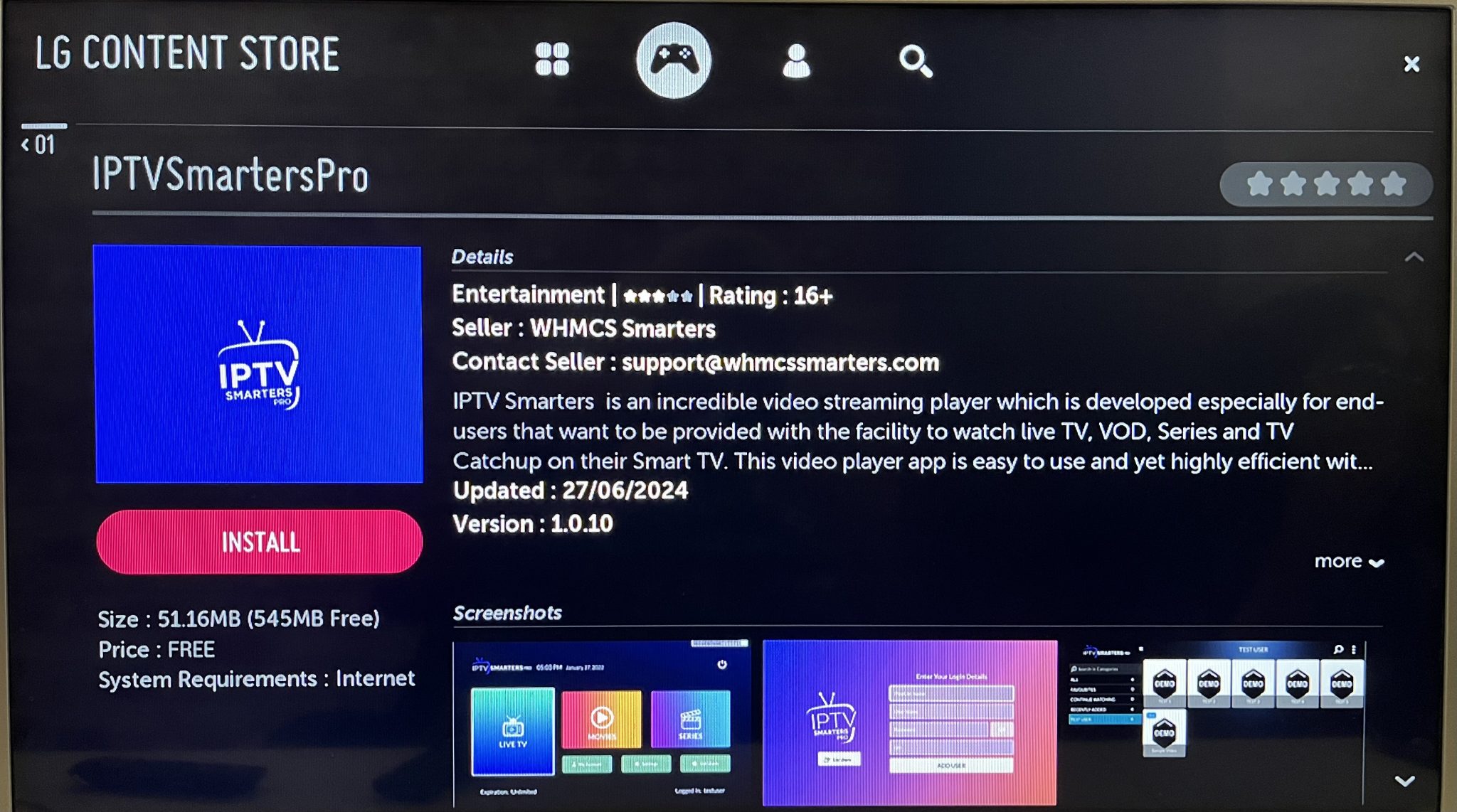
- Search for “IPTV Smarters Pro” and install the app.
- Open the app and enter the username, password and server address from your login data.
Good to know
- There are no Premium features on LG TVs.
- Your login data is on the page of your access under Login data.
