




The search in the client area finds your access, invoices and tickets, plus matching help articles.
- On the dashboard, type into the Search tile: a username, your note (for example “living room”), an invoice or ticket number.
- Only want to search one area? Below the field, tap Access, Note, Invoice, Ticket or Help. The selected area is highlighted. To see all results again, tap it a second time or use Search everywhere.
- Suggestions appear while you type. Tap one or press Search.
- Results are grouped by type. Next to each result is the matching button, for example Renew or Pay.
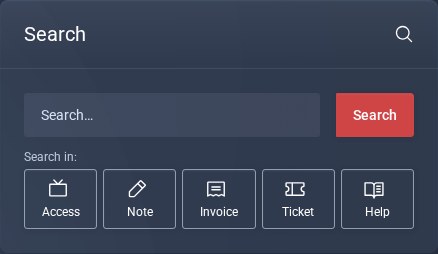
The Search tile on the dashboard.
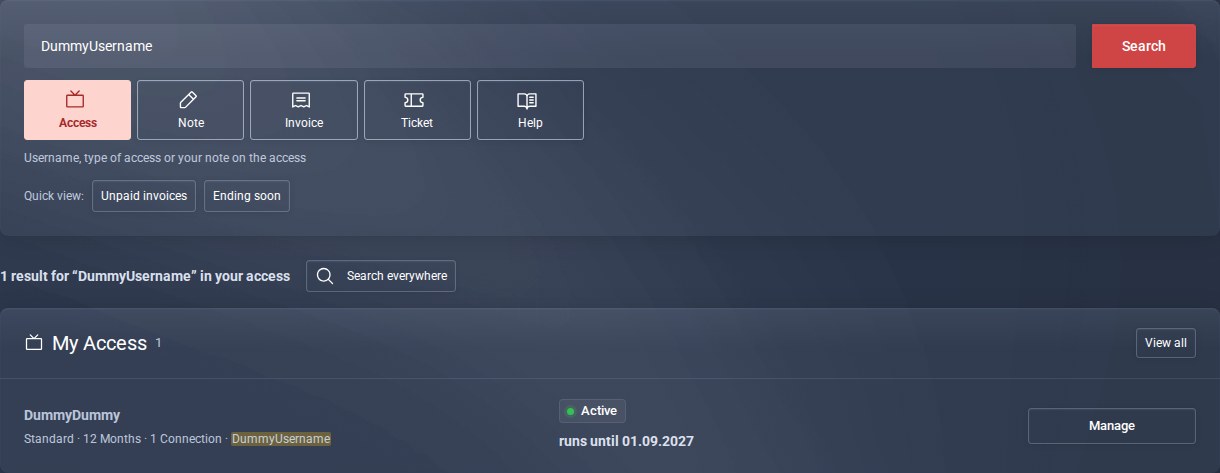
Searched in the Access area only.
Good to know
- Unpaid invoices and Ending soon show you in one click what is coming up next.
- For invoices and tickets, just the number is enough, for example 14635.
- You set your own note per access on the page of the access: Personal notes.
