




With the search in the client area you find an access and its invoices right away – by username, by your own note or by an invoice number.
- Open the search in the client area.
- Enter the username, your note (for example “living room”) or an invoice number.
- You get the matching access and all its invoices.
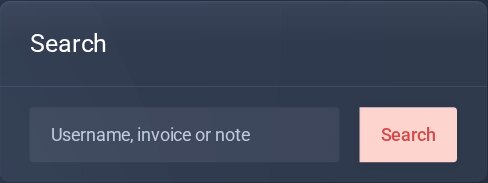
The search field.
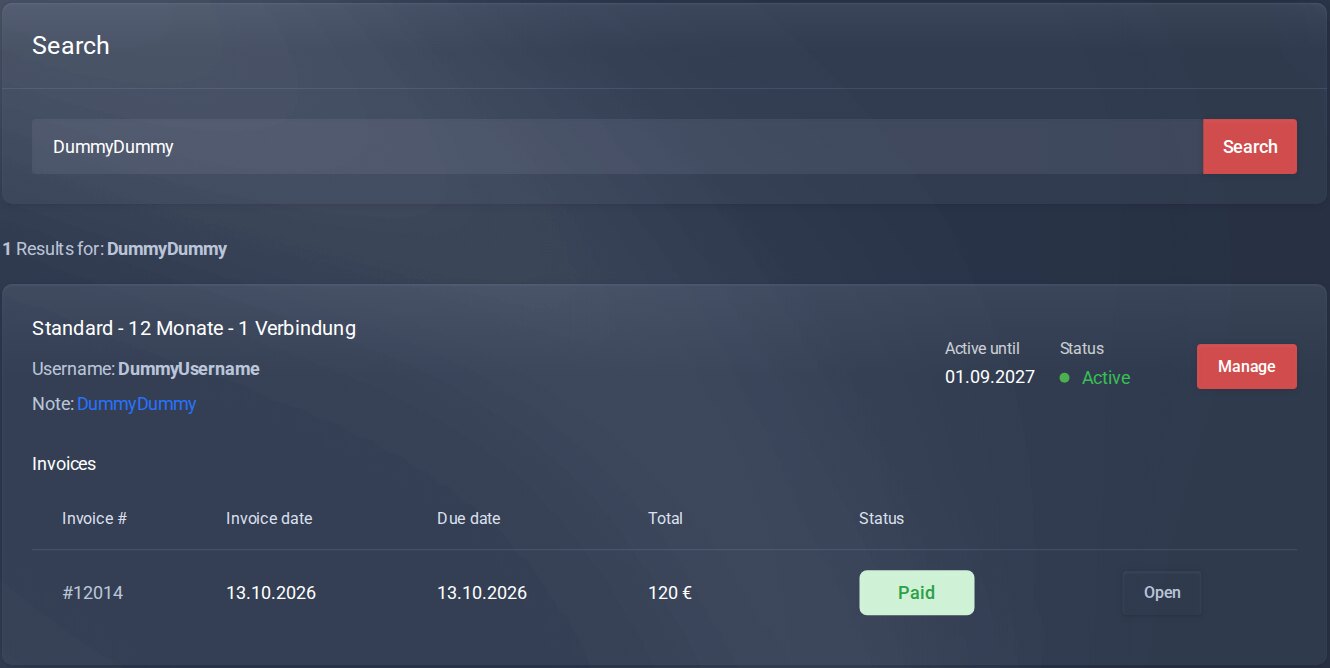
Result: access and invoices.
Good to know
- You set your own note per access on the page of the access: Personal notes.
