




The search in the client area finds your access, invoices and tickets, plus matching help articles.
- On the dashboard, type into the Search tile: a username, your note (for example “living room”), an invoice or ticket number.
- Suggestions appear while you type. Tap one or press Search.
- Results are grouped by type. Next to each result is the matching button, for example Renew or Pay.
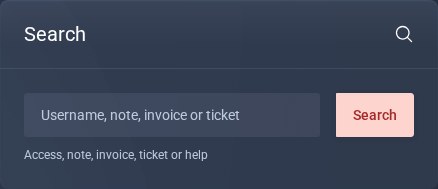
The Search tile on the dashboard.
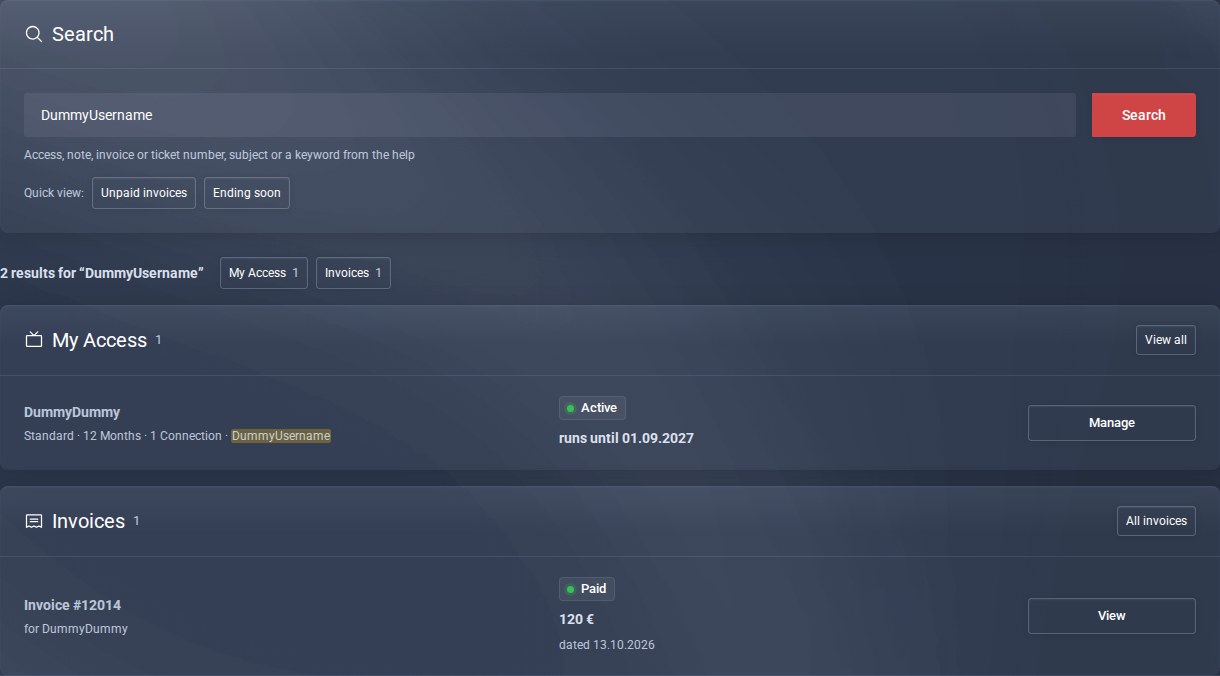
Results by type: access and invoices.
Good to know
- Unpaid invoices and Ending soon show you in one click what is coming up next.
- For invoices and tickets, just the number is enough, for example 14635.
- You set your own note per access on the page of the access: Personal notes.
