




Give each entry under My Access its own name, for example “living room” or “grandma”. That way you always know which is which.
Save a note · Where it appears
Save a note
- In the client area, open My Access and click your access.
- At the top of the page, tap the pencil next to the name.
- Type your label, 32 characters at most, and tap Save. The counter shows how many characters you have used.
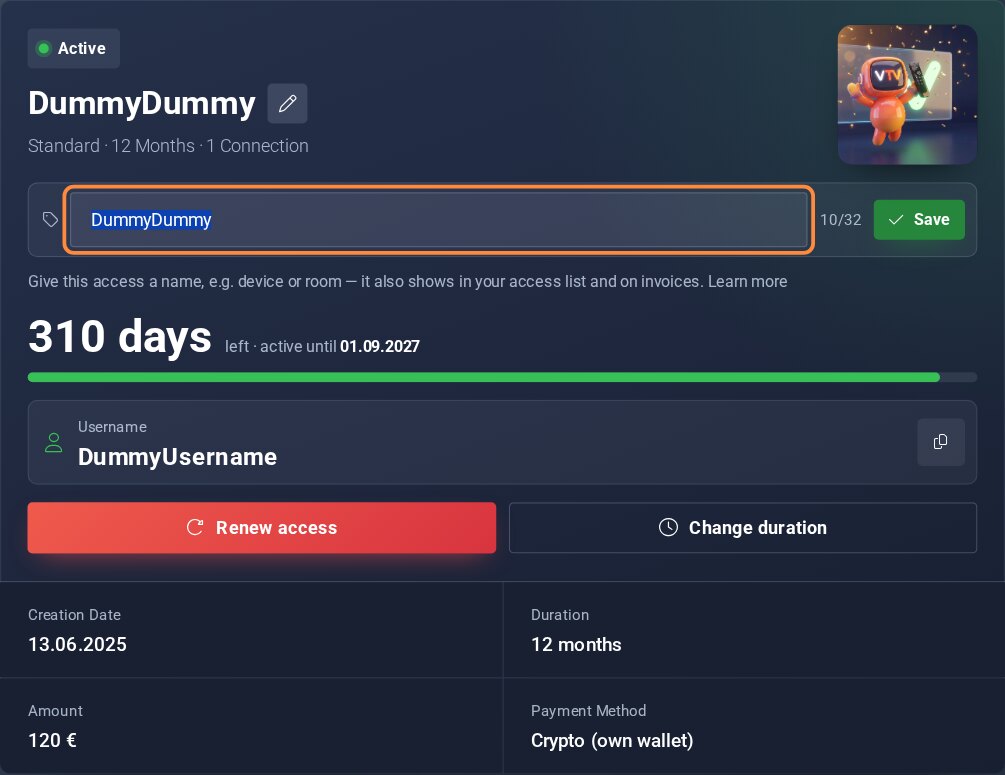
The pencil next to the name opens the field for your note.
Where it appears
Your note shows on the page of your access and in the My Access list. It also shows on invoices you receive after saving it: under the access, in the view, the PDF and the invoice email.
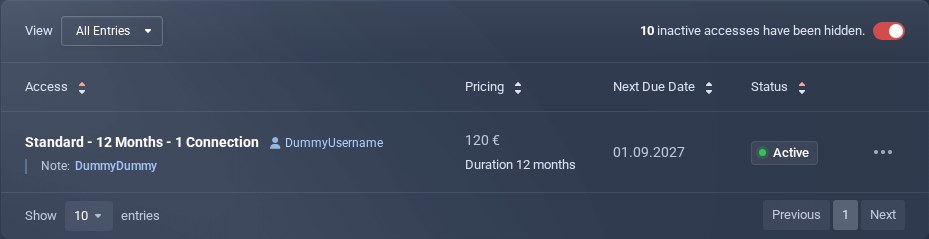
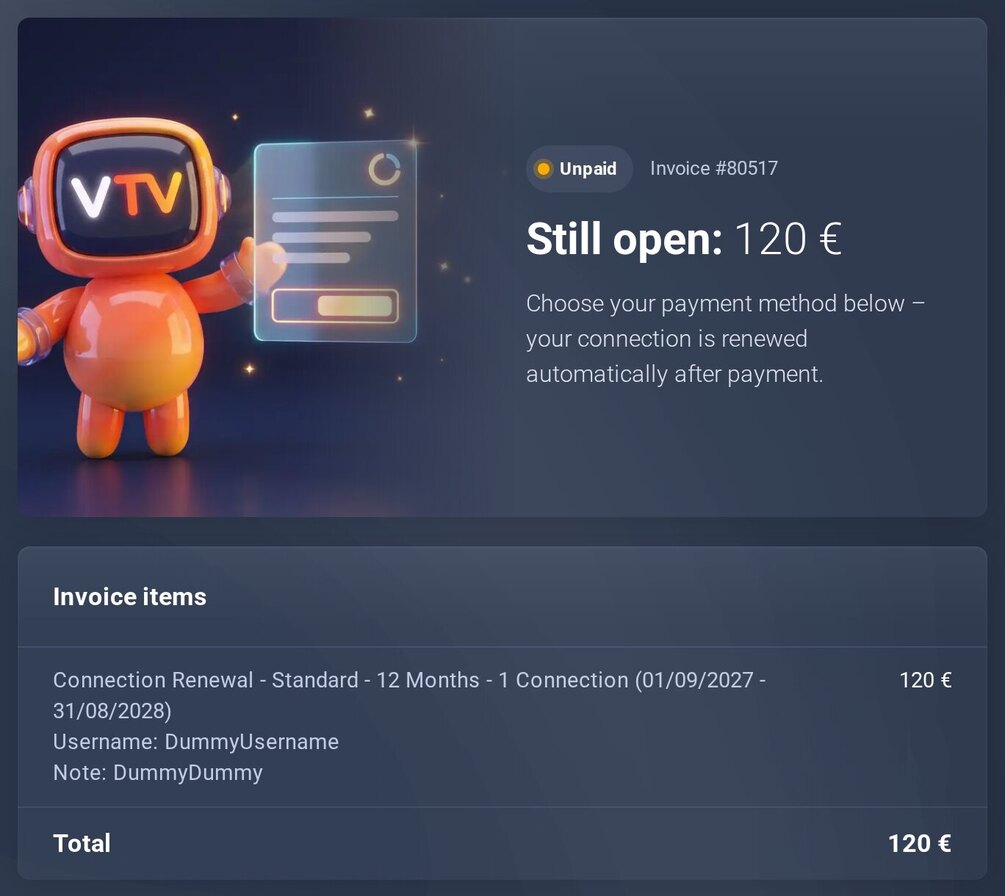
Your note is on the invoice, so you see at a glance what it is for.
Good to know
- You can change the note at any time.
- Invoices that already exist keep their content. New invoices show the current note.
- Anything beyond 32 characters will not fit – that keeps the note readable everywhere.
My Access (in the client area) Open ticket (in the client area)
